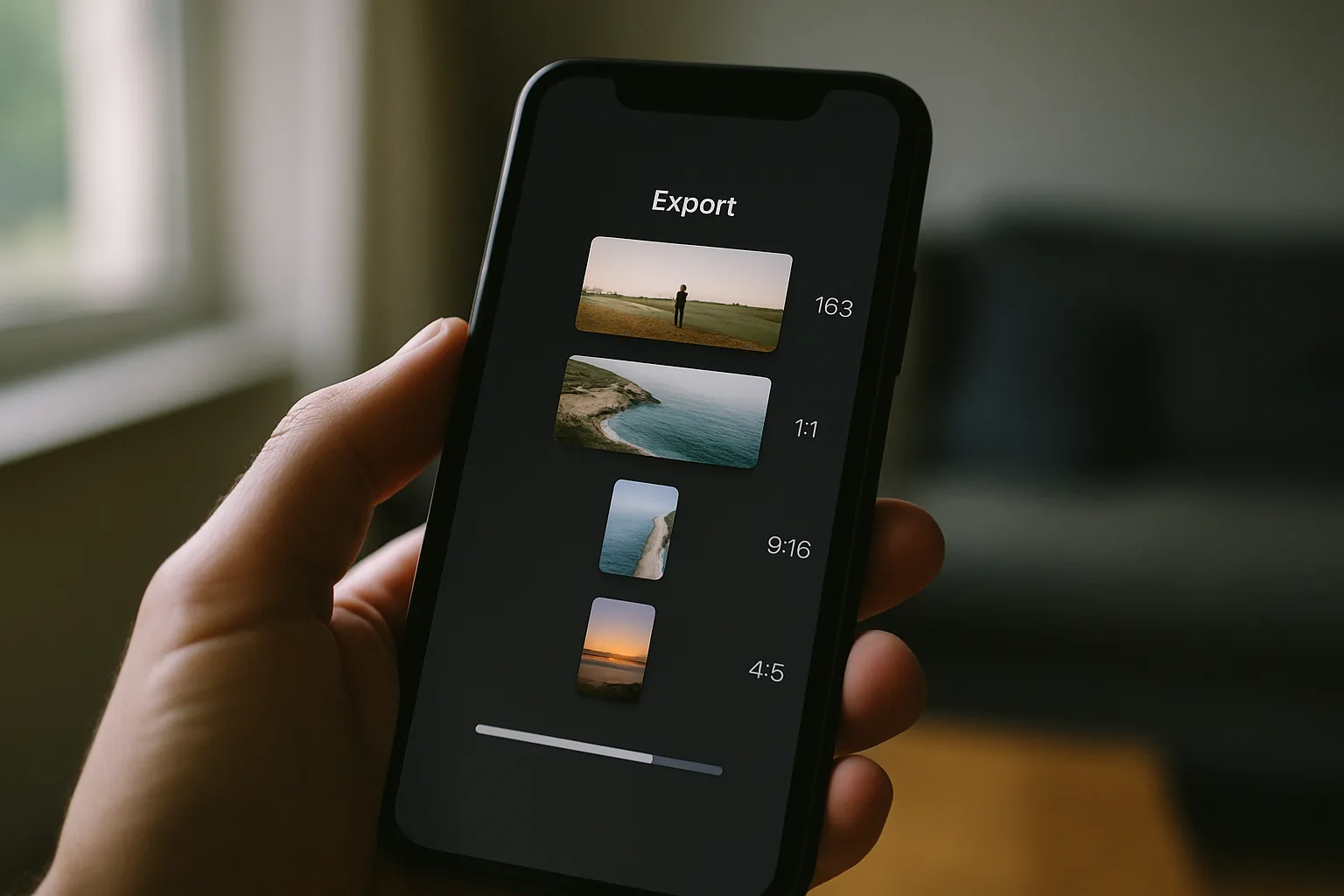
Solo creator
For one person cutting the same shoot into three or four channels a day.
- All platform size presets
- Auto captions with manual editing
- Batch export of the full set
- Save your own reusable presets
One master file in, every platform's format out — resized, captioned, translated and ready to post.
One upload, taken apart and rebuilt for each feed.
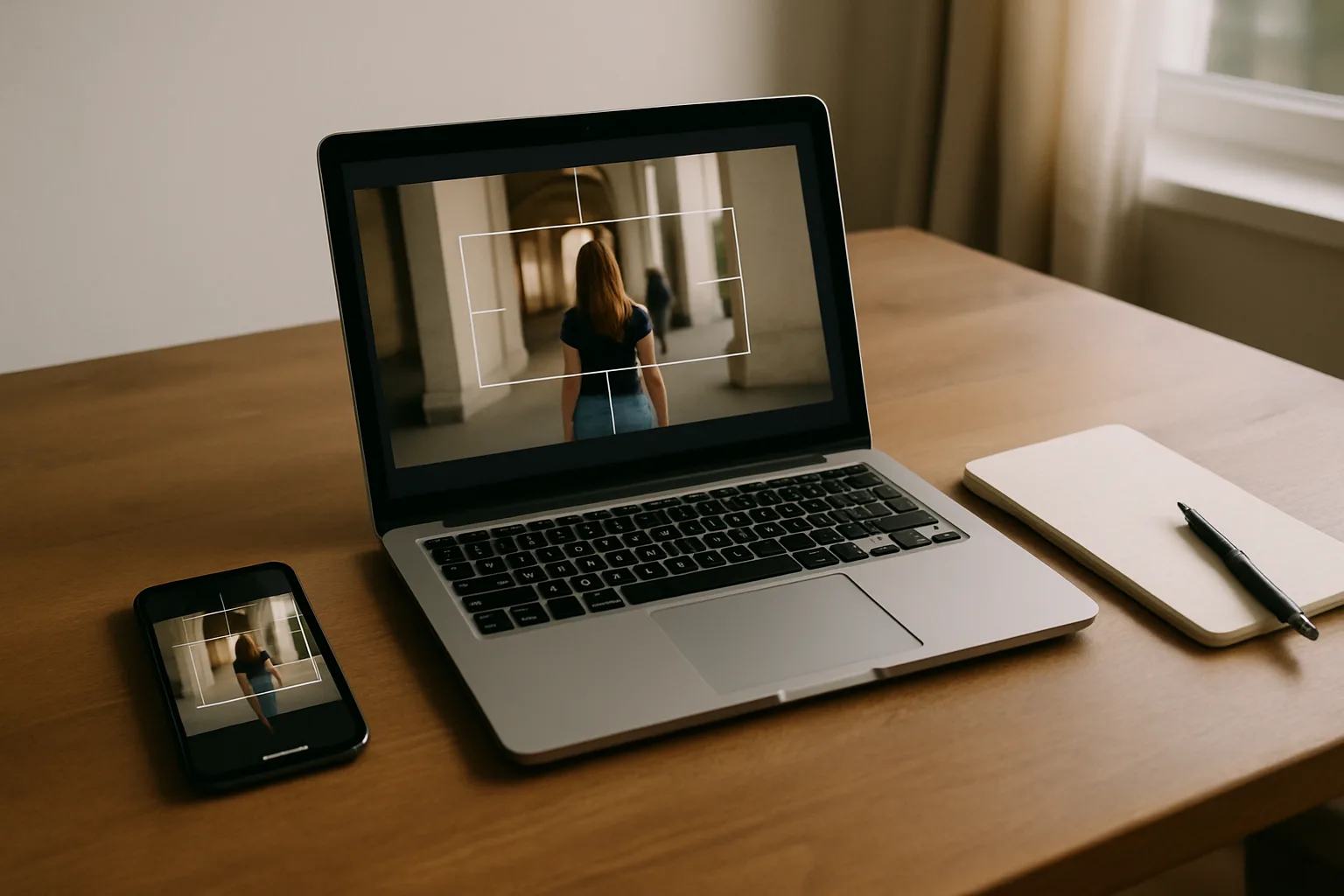
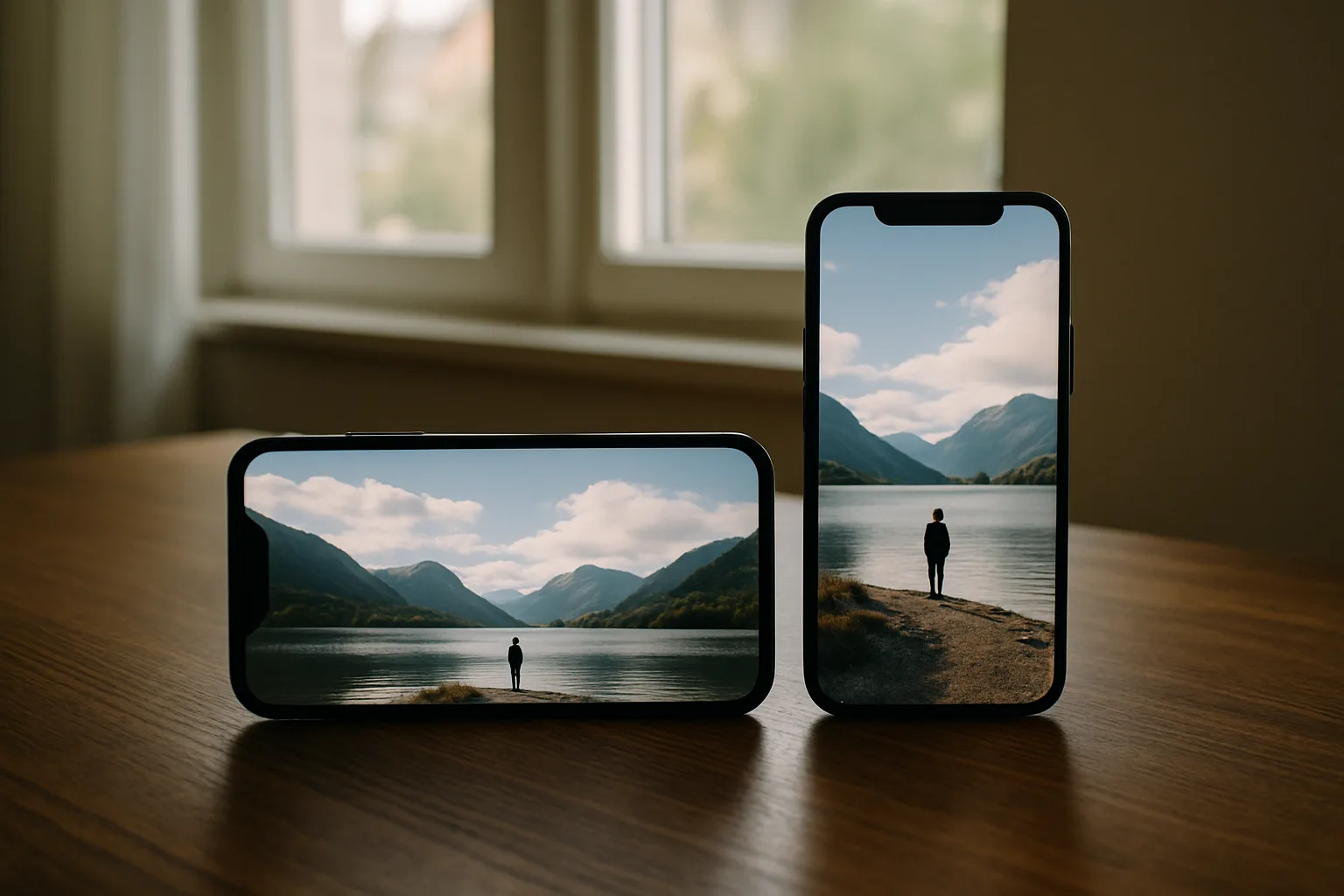
9:16 for reels and stories, 4:5 for the feed, 1:1, 16:9 for long-form. The frame is re-centred on the subject instead of slicing heads off the top.
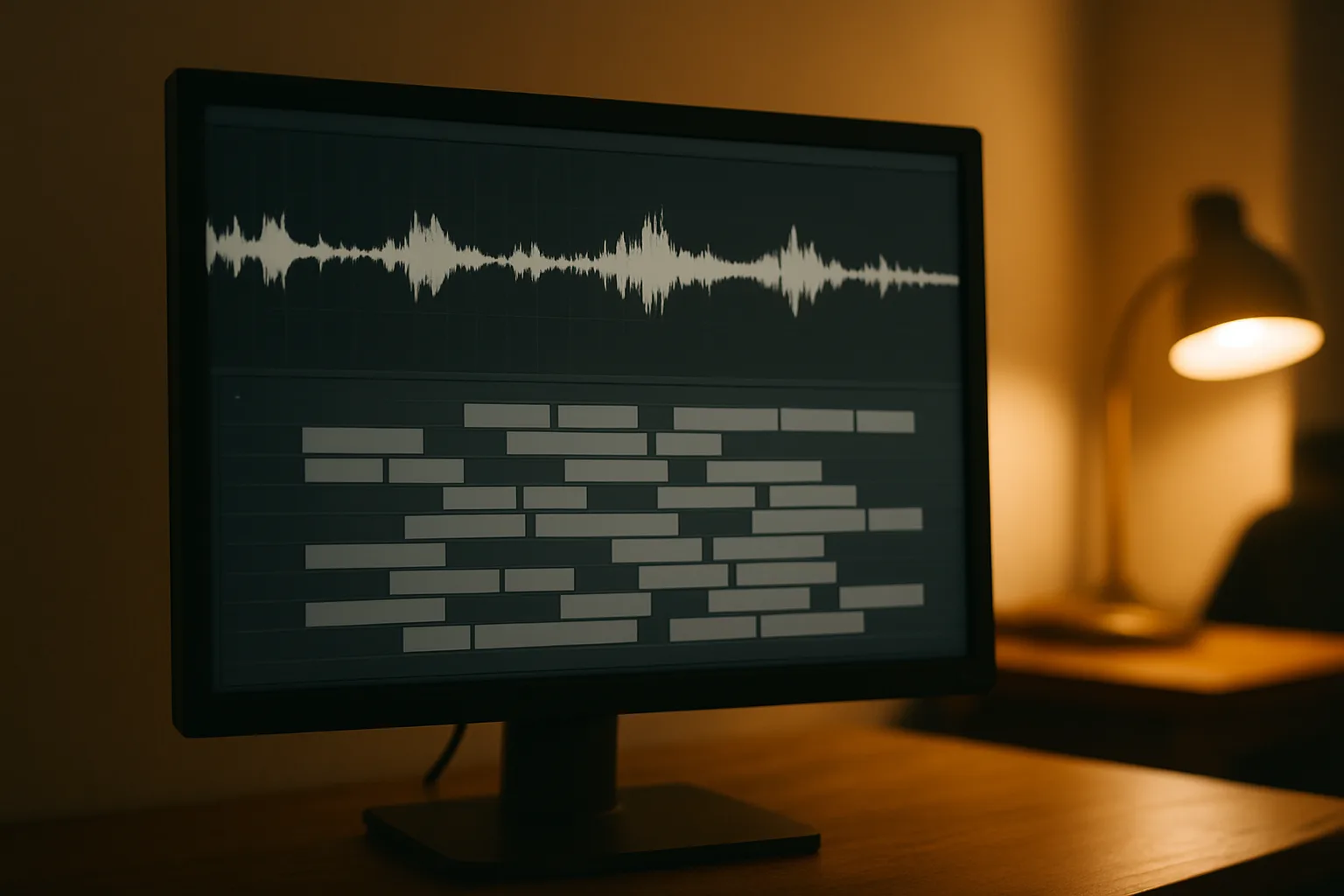
Subtitles are generated from the audio, timed to it, and editable line by line. Burn them in or export the subtitle file alongside the video.
Translate captions, subtitles and on-screen text into the markets you publish in, with the layout and line breaks kept intact.
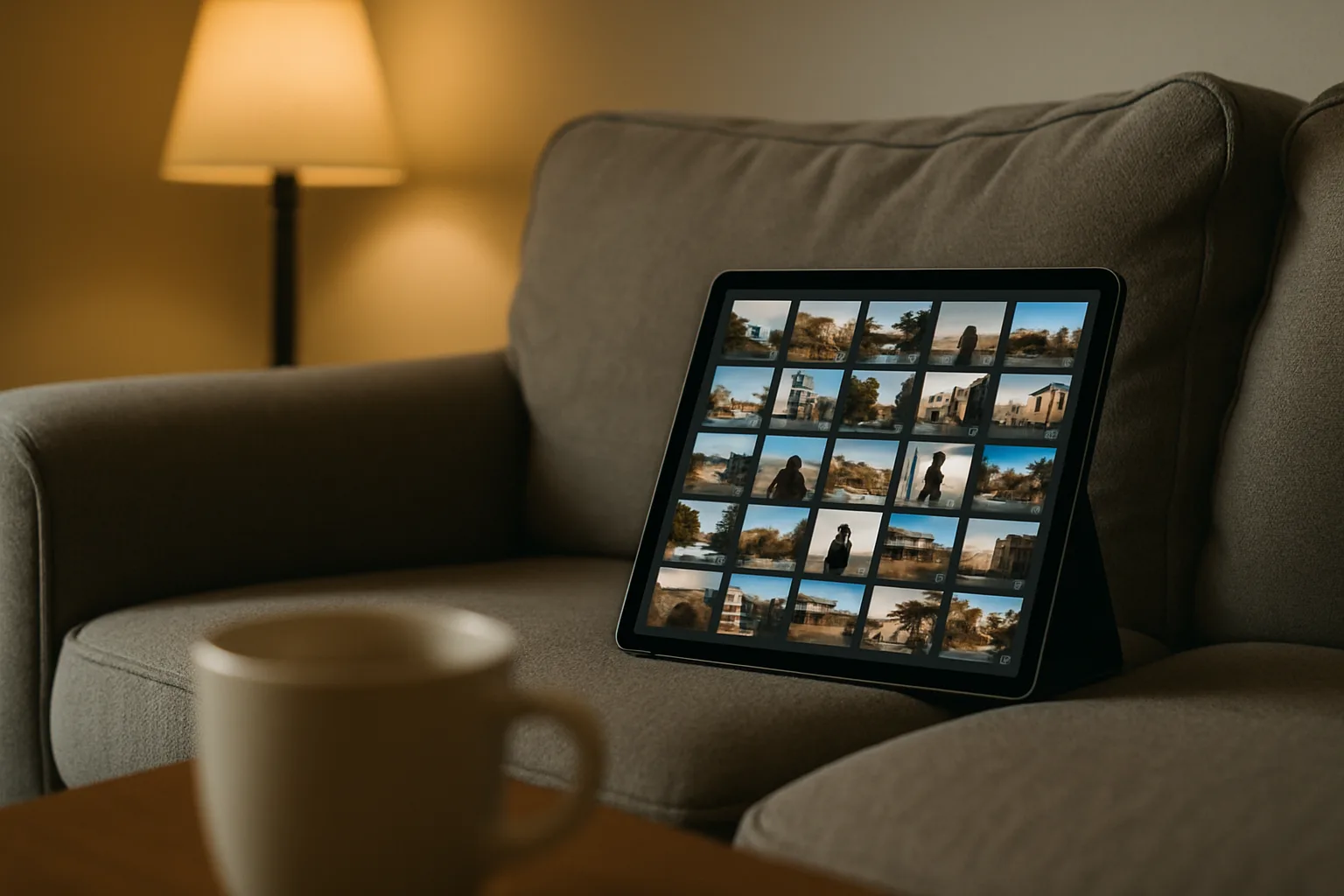
Every size, language and caption version leaves together as ready-to-post files, named per platform so nothing gets uploaded to the wrong channel.
Tell us your posting volume and we'll say which one fits.
For one person cutting the same shoot into three or four channels a day.
For a small team publishing to the same brand from different phones.
For adapting one campaign across several clients and markets.
Send an enquiry and we'll walk one of your own files through the app before you commit to anything.
Describe one thing you repurpose every week and we'll tell you straight whether this cuts the editing time.
Thanks — someone from LAYENTRA CONTENT ADAPT LTD will get in touch by email shortly.
This page uses cookies for analytics and advertising measurement only after you give your consent. Learn More